Disconnecting and Reconnecting to a Wallet Provider
If you are having trouble launching the Wallet Gateway or connecting to your wallet provider, disconnecting and reconnecting Splice Portfolio may help.-
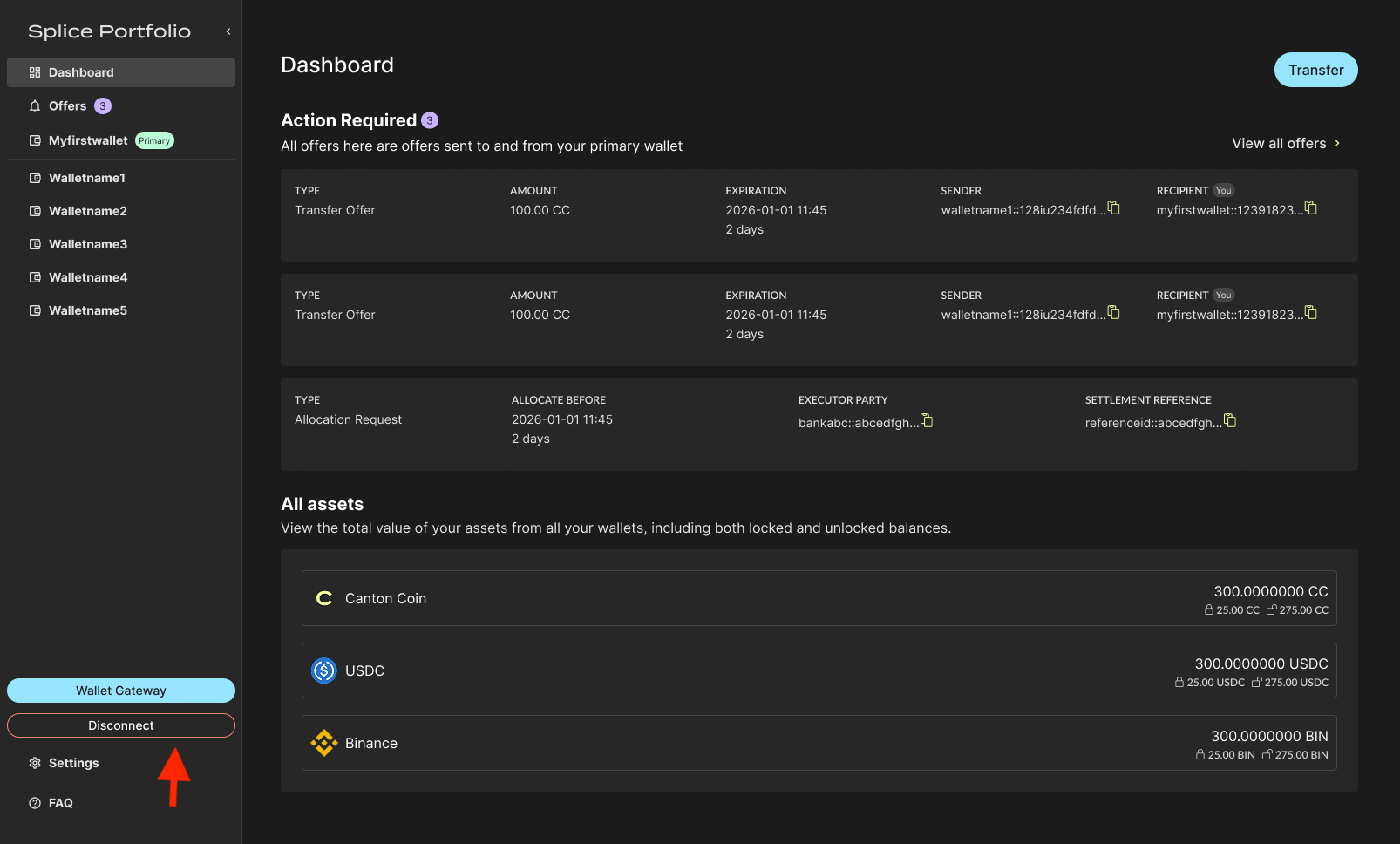
Click Disconnect in the left side navigation.
-
Once Splice Portfolio is disconnected from your wallet provider, you are redirected to the landing page.
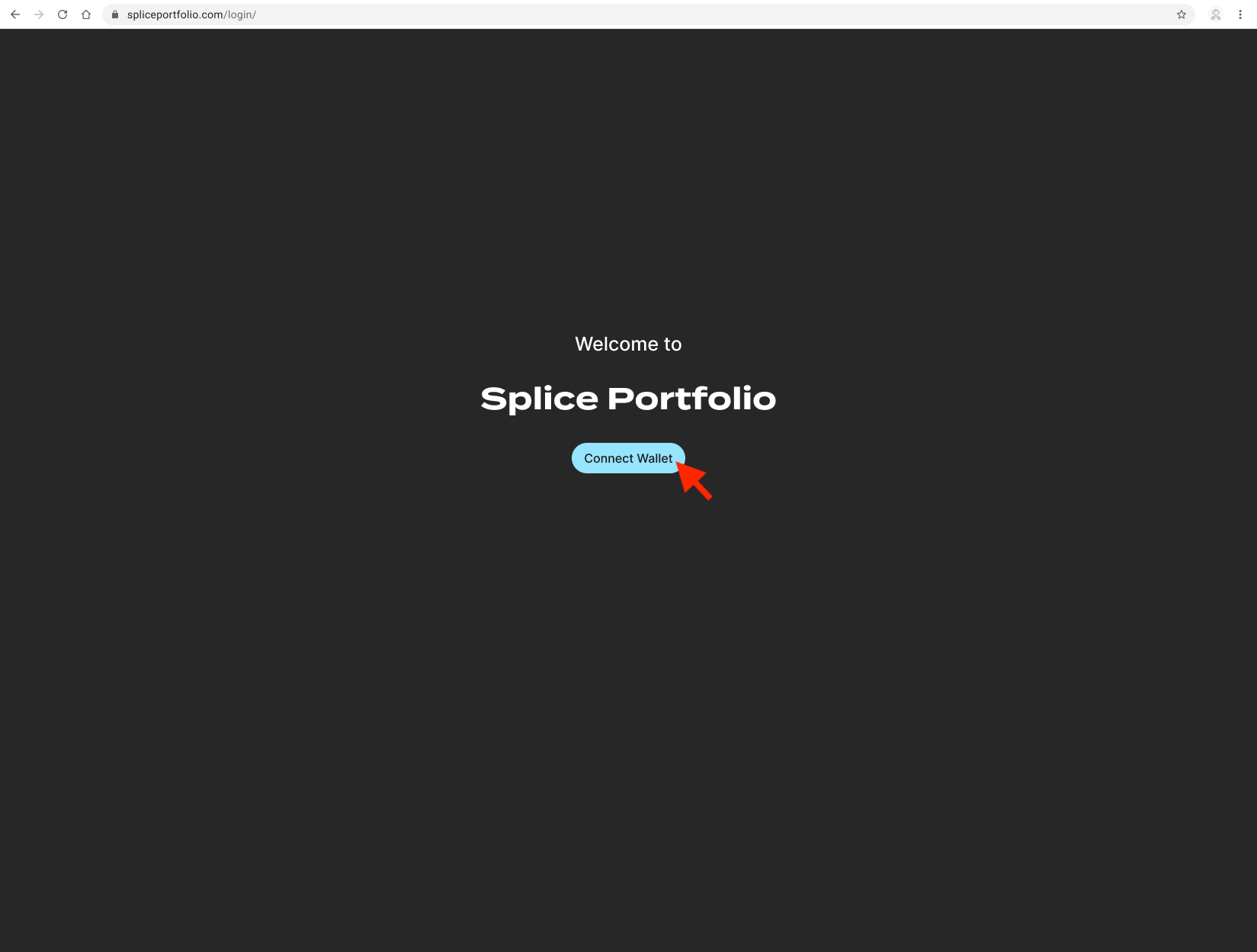
- Follow First-Time Setup to reconnect your wallet provider to Splice Portfolio.
System Errors When Sending and Accepting Offers
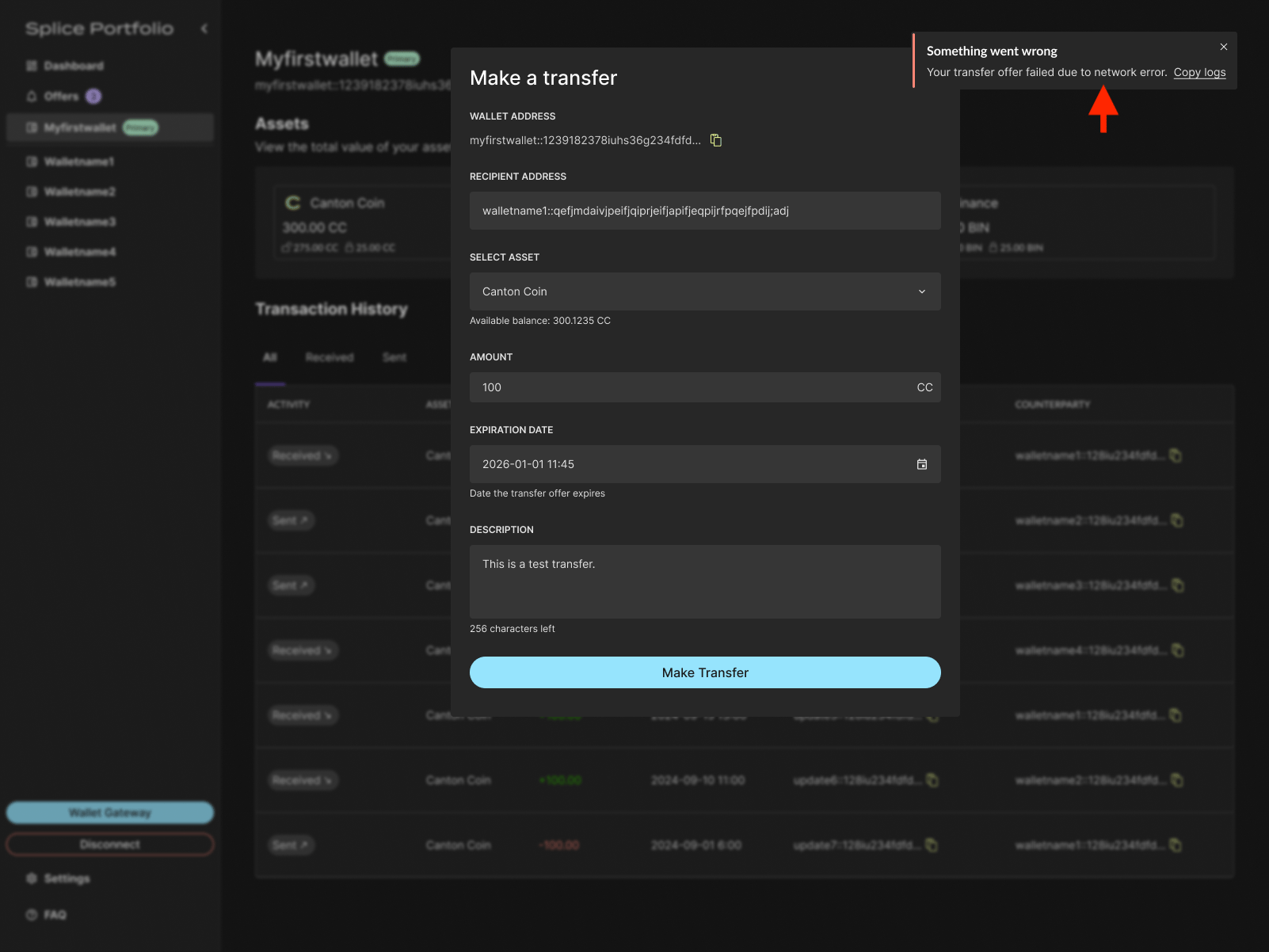
If a system error occurs while sending or accepting an offer, an error message appears in the UI with the option to copy the logs. Review the logs to help troubleshoot the issue, or contact support for further assistance.