

Prerequisites
Follow the deployment documentation to run the portfolio. Before you can use it, you need to add at least one registry. You can do this by adding registries to the configuration file as explained in the deployment documentation, or in the UI.Connect a Wallet
Once the Splice Portfolio UI is open, click Connect Wallet to launch the wallet discovery popup. Select your preferred wallet provider and follow the prompts to connect your wallet to the portfolio.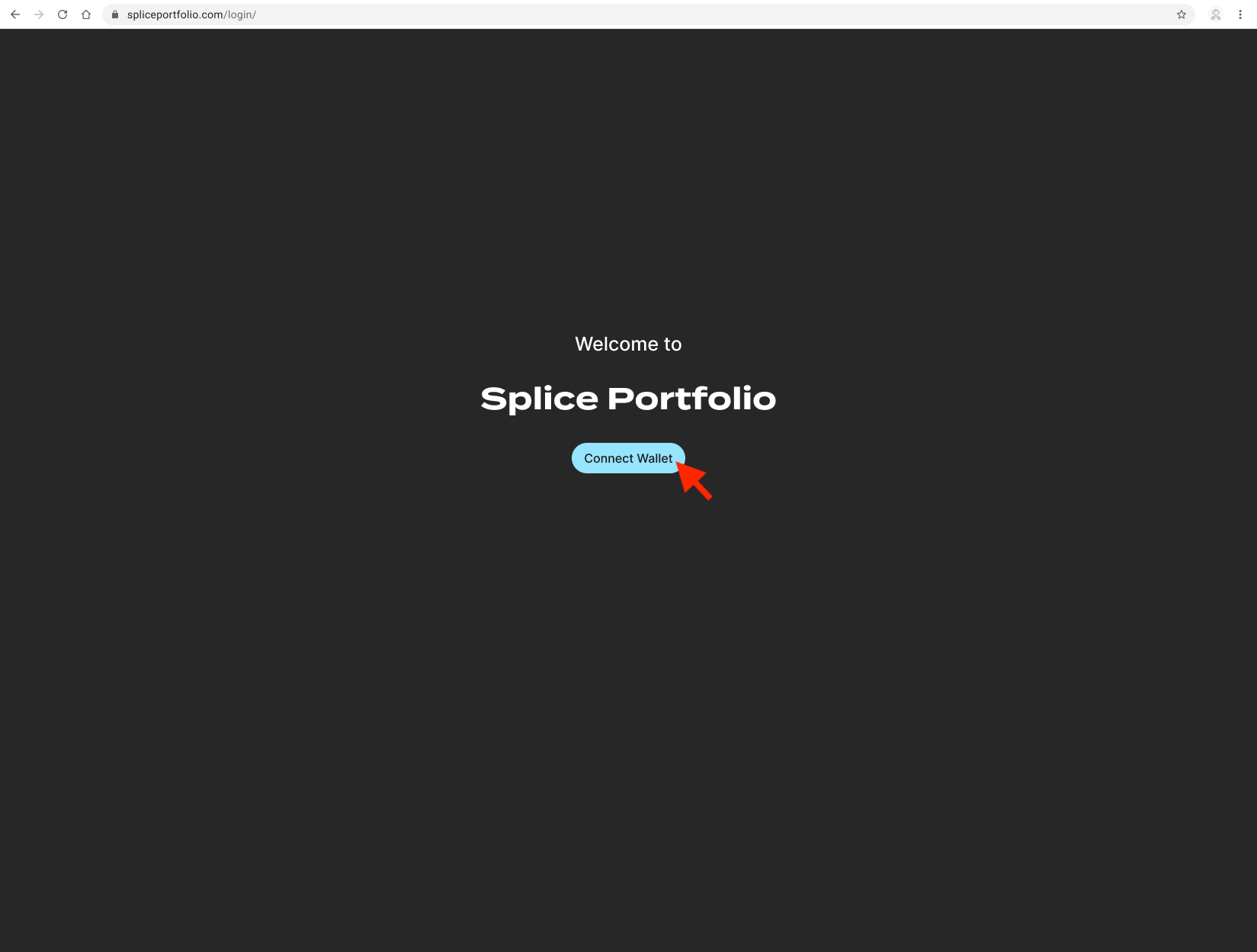
Next Steps
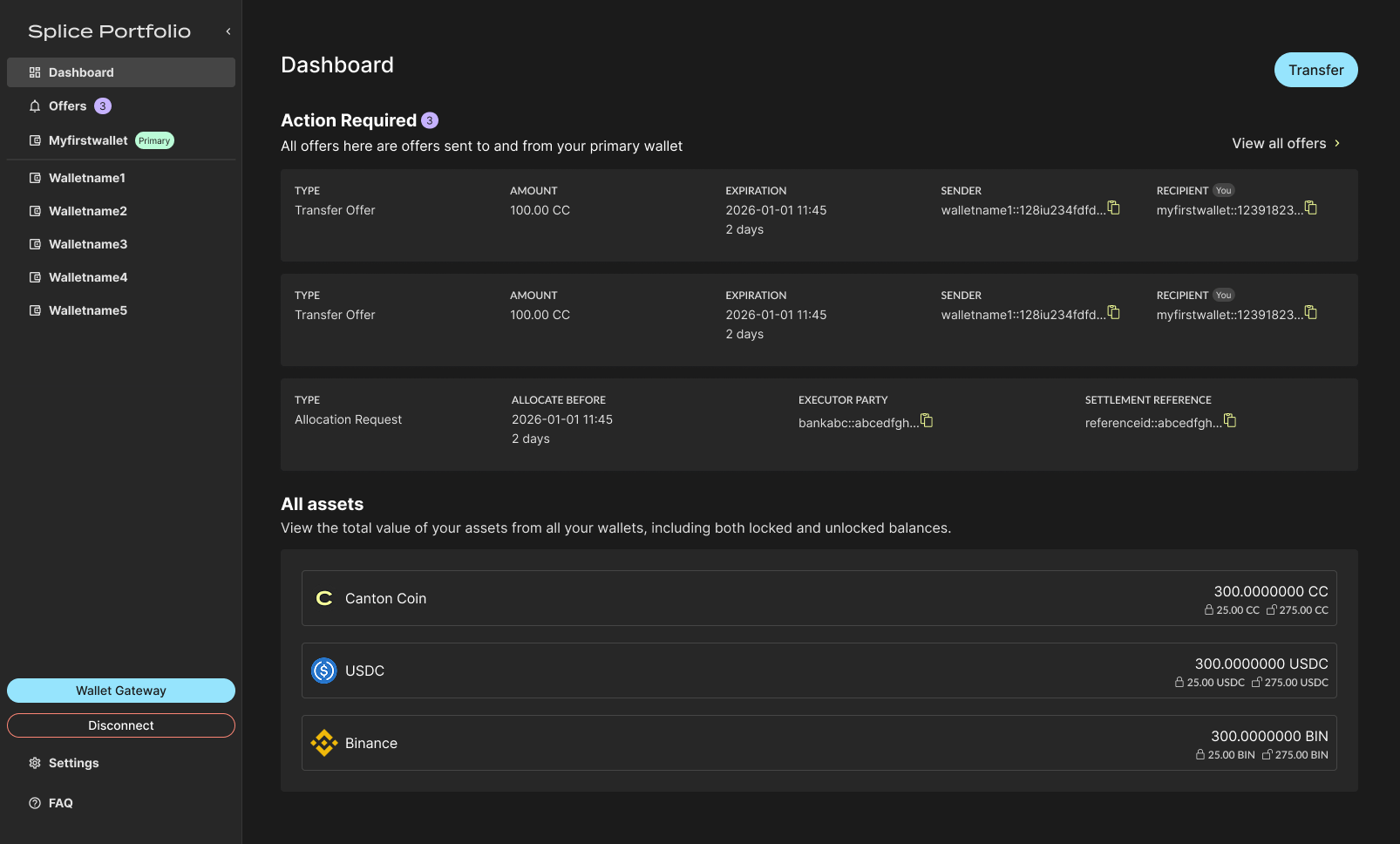
- Navigation — Understand the layout and what each view does
- Transfers — Send, withdraw, accept, and reject transfer offers